Anivo
Sign inCreate account
All screenshots

Anivo · Inbox and follow-ups

Open a sample reply, find the linked CRM record and review the follow-up queue.

Screenshots come from the Anivo Windows demo workspace. Archived captures show an earlier interface with fictional records.

AI researchLead resultsCRM and sales pipelineEmail campaignsInbox and follow-upsWindows workspaceTürkçe

Screenshots

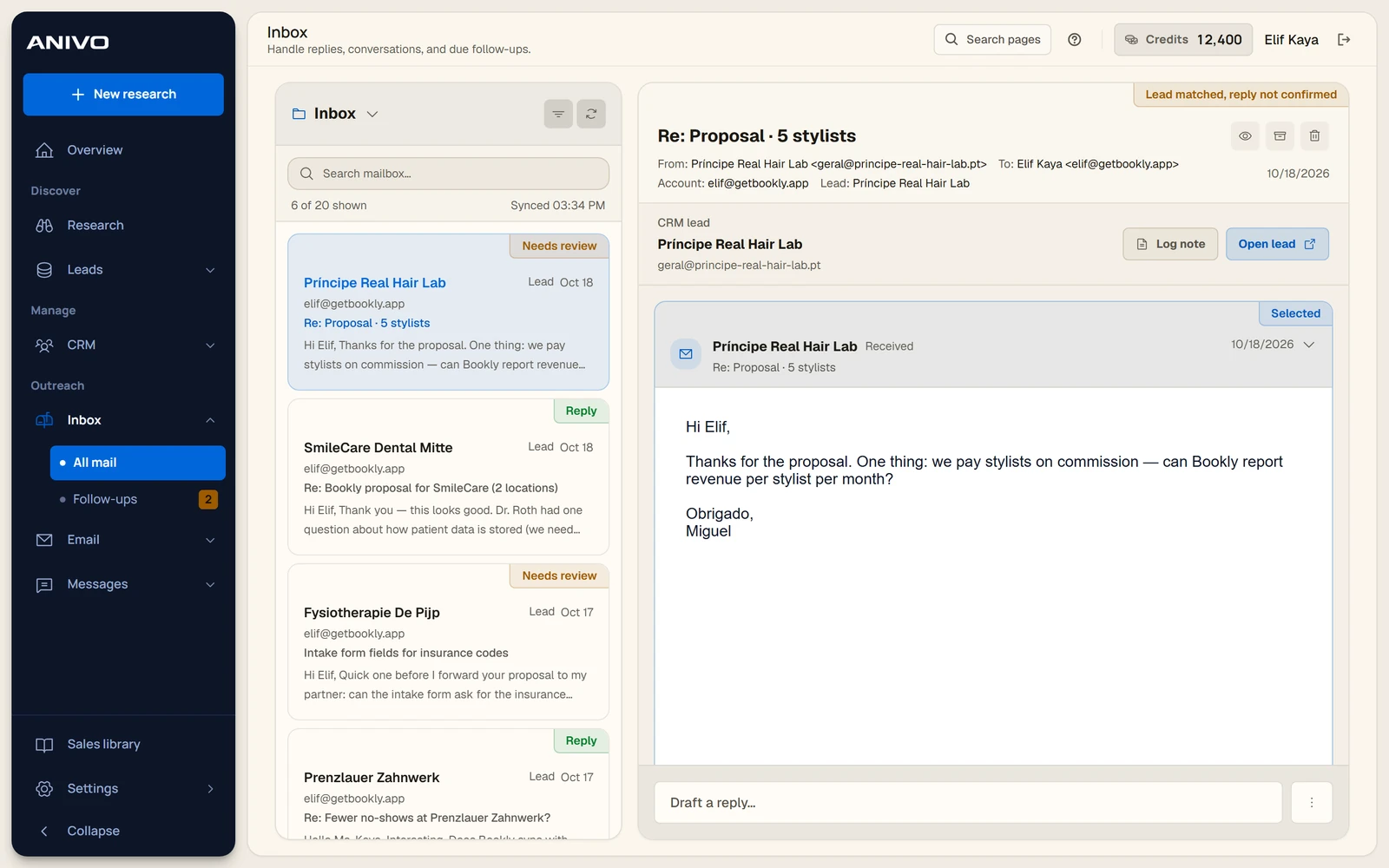
The Anivo inbox with a sample message linked to a CRM company record.
Email inboxThe Anivo inbox with a sample message linked to a CRM company record.18 October 2026 · Archive
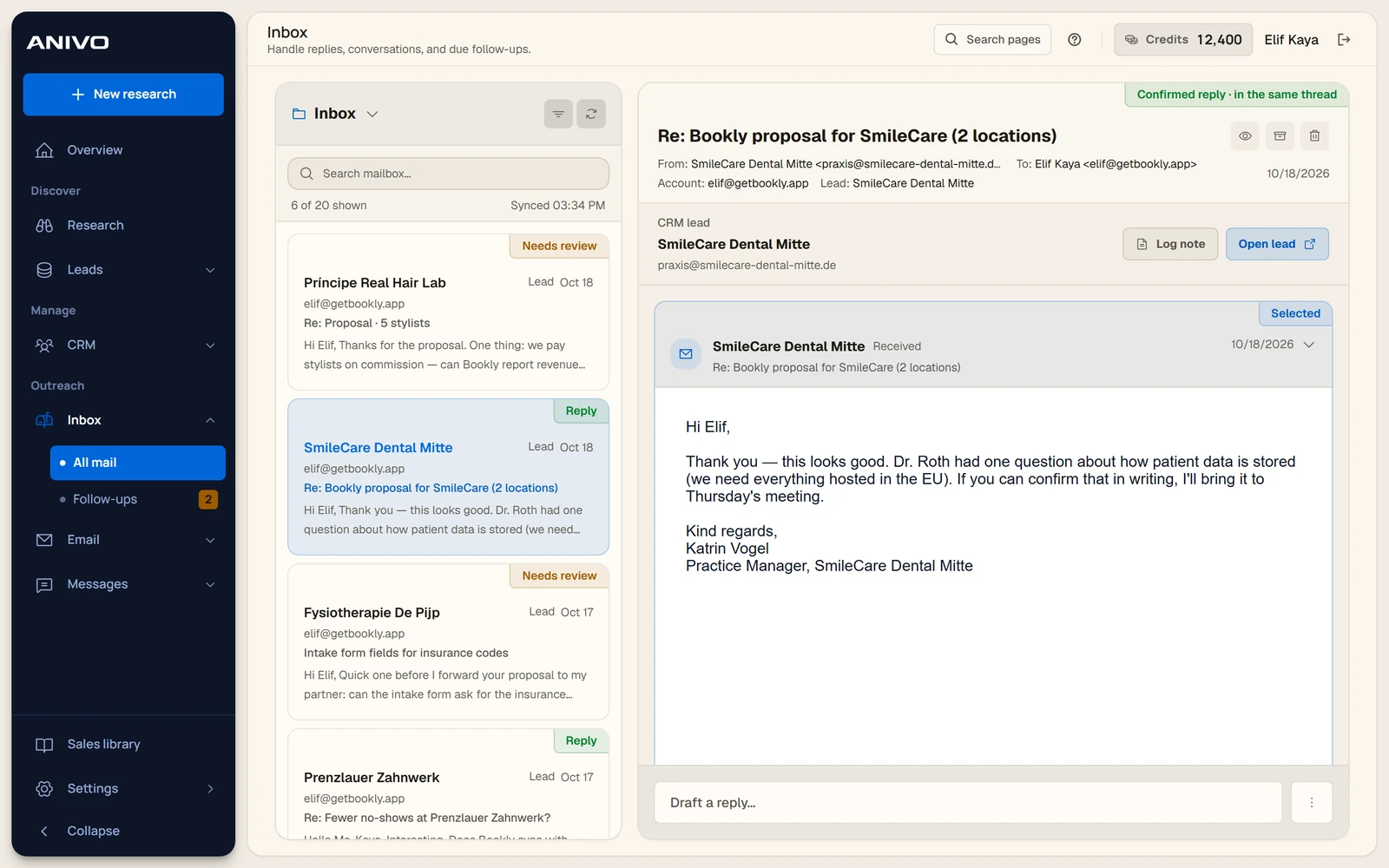
A fictional email reply in a conversation linked to the lead record.
Reply threadA fictional email reply in a conversation linked to the lead record.18 October 2026 · Archive
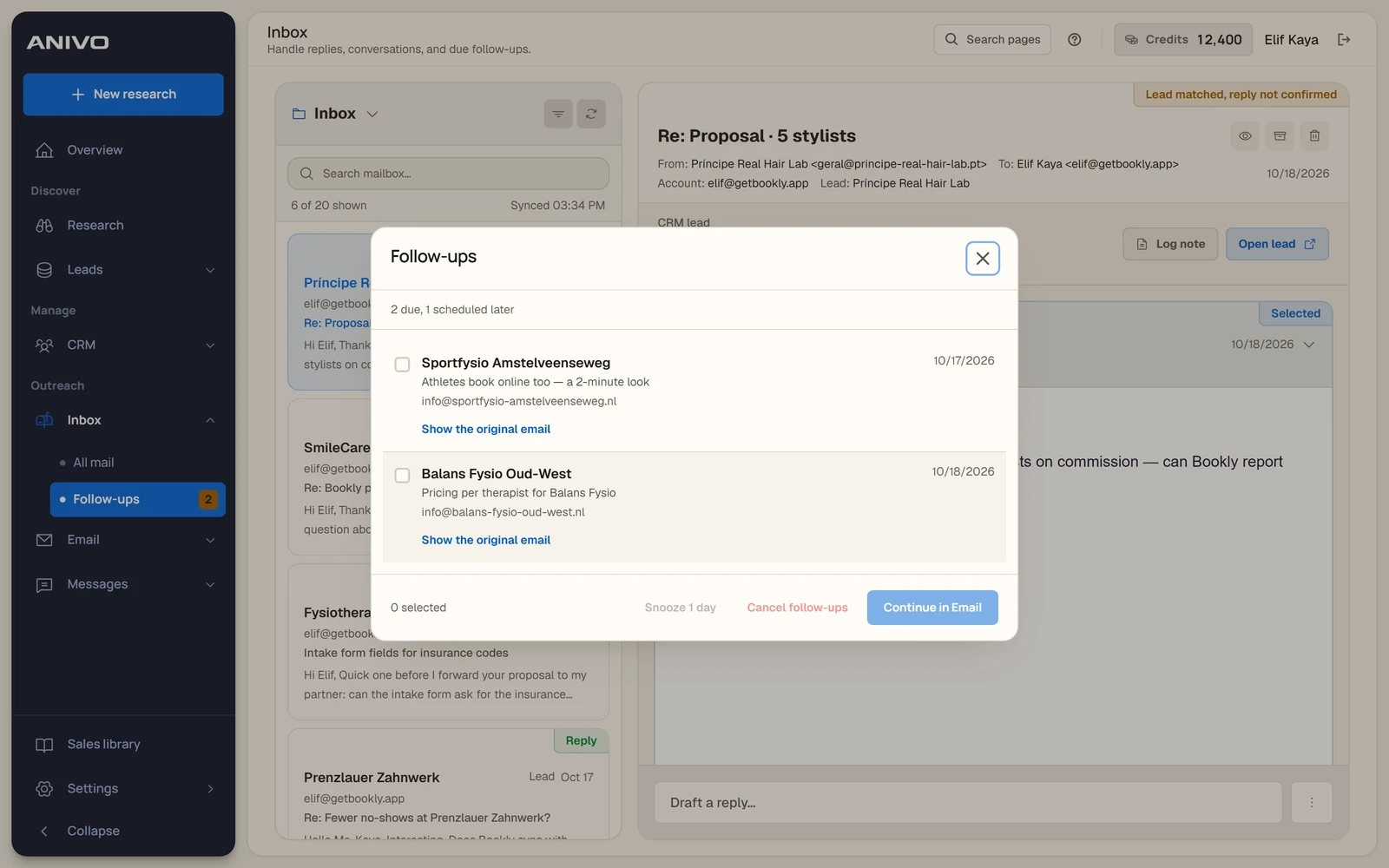
The follow-up panel showing due items and the option to snooze them.
Follow-up queueThe follow-up panel showing due items and the option to snooze them.18 October 2026 · Archive
Anivo user guide
Anivo

Find businesses. Understand the opportunity. Reach out.

Anivo

  • Product
  • Who it’s for
  • Pricing
  • Founder
  • Support

Product guides

  • How Anivo works
  • Anivo user guide
  • Technical assessment
  • Company scores
  • Screenshot gallery

Sales guides

  • How to find customers
  • Ideal customer profile guide
  • B2B prospecting software
  • Lead generation agency guide
Anivo Technologies LtdRegistered in England and Wales · Company No. 16712009Registered office: 71–75 Shelton Street, Covent Garden, London, WC2H 9JQ
TermsPrivacyBillingRefundsAcceptable use© 2026 Anivo